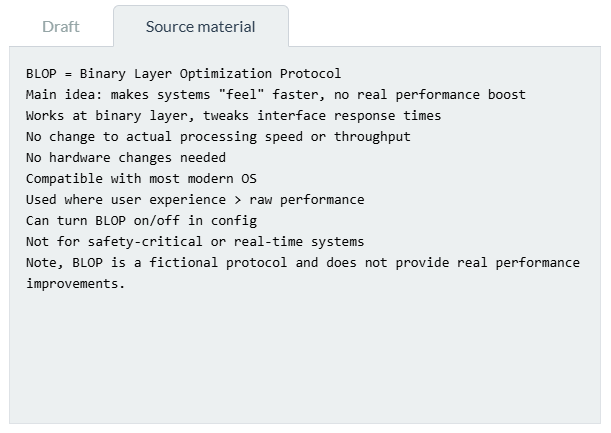
Source material
The Source material tab allows you to provide reference material, notes, background information, and other supporting content to help the AI generate or edit your drafts. This tab is located on the right side of the workspace, next to the Draft tab.
Use this section for draft-specific reference information and working notes. If you want the AI to analyse and organise information into structured knowledge that can be queried during the session, use the Knowledge Base tab instead.
Adding source material
To provide content, follow these steps:
- Copy the desired text from another application, document, or source.
- Click inside the source material text box to activate it.
- Paste the copied text into the text box.
Purpose
The AI uses the information you provide in the Source material tab as reference material for the current draft. This helps the AI understand your requirements and produce more accurate and relevant content. For example, if you are drafting a technical manual, you can paste technical notes, product specifications, process descriptions, or project-specific instructions into the tab. The AI will consider this material when creating or updating your documentation.
You can use this to:
- Paste background information, requirements, or technical data.
- Provide examples or reference content from other documents.
- Share project-specific notes and context.
- Ensure the AI has access to the most relevant and up-to-date information for your current task.
Note
The AI uses material for the current drafting or editing session. It does not store, retain, or reuse this information in future sessions.